
Digital
Digital pattern making for fashion production
In short
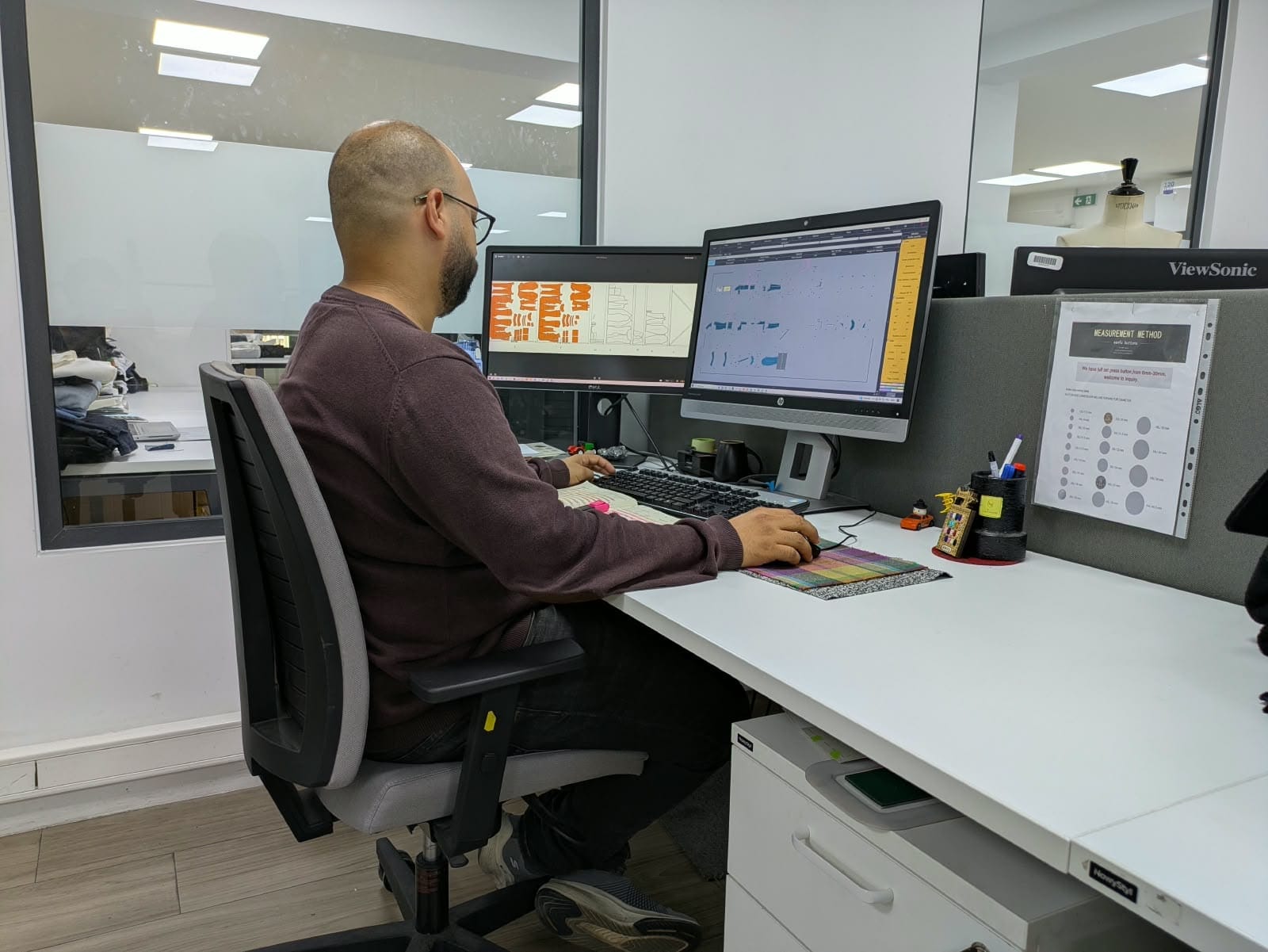
Digital pattern making means drafting the pattern directly in CAD software instead of on paper. The result is a precise, editable file that can be graded, placed in a marker, plotted or shared with a factory anywhere. I draft digital patterns mainly in Lectra and deliver them in the format your production chain uses.
By Youssef Abdessamad·Updated on
Pricing
On quote
Free quote, prepared after reviewing your design
- Turnaround
- Depends on complexity, confirmed in the quote
- Delivery
- Digital files, printing on request
- Software
- Lectra, Gerber AccuMark, CLO 3D
A digital pattern is not just a scanned drawing. Each piece is built with defined points, curves, notches, grainlines and seam allowances that the software understands. That structure is what makes it possible to grade sizes, measure seams against each other in seconds, and send cutting-ready files to a factory in another country.
I draft primarily in Lectra, and I can also prepare patterns for 3D development in CLO 3D. Files are exported according to what the receiving side uses: DXF-AAMA or DXF-ASTM for CAD exchange, PLT for plotters, PDF for printing. Available formats depend on the software used and the project requirements.
If your patterns currently exist on paper, the first step is pattern digitizing. If you want to understand when digital is worth it compared with hand drafting, see digital vs manual pattern making.
What’s included
CAD drafting
Pattern pieces drafted directly in software, with clean curves and controlled points.
Seam and notch checks
Matching seams measured digitally so lengths and notch positions agree to the millimeter.
Piece information
Grainlines, piece names, sizes, cut quantities and fabric codes attached to each piece.
Grade-ready structure
Points placed so the pattern can be graded cleanly, either by me or by your factory.
Export for your chain
DXF-AAMA, DXF-ASTM, PLT or PDF depending on who receives the file. See formats.
Deliverables
- Digital pattern in the base size
- Export in DXF-AAMA or DXF-ASTM, PLT and/or PDF as agreed
- PDF overview of all pieces
- Piece list with cut quantities and fabrics
- Native file if you work with the same software
Who it’s for
- Brands producing with factories that use CAD
- Garment factories outsourcing pattern work
- Designers moving from paper to digital patterns
- E-commerce brands scaling production
- Manufacturers working with overseas clients
How it works
- 1
Brief and production context
You send the design and tell me which software or format your factory uses.
- 2
Drafting
I draft the pattern in the base size, directly in CAD.
- 3
Digital checks
Seam lengths, notches, curves at seam junctions and grainlines are checked in the software.
- 4
Test export
When possible, a test file is sent so the factory can confirm it opens and reads correctly.
- 5
Final delivery
Final files are delivered, with a PDF overview and piece list.
What makes a digital pattern usable by a factory
A pattern that looks right on screen can still fail at the factory. The most common reason is the export: DXF is a family of formats, and the AAMA and ASTM variants (ASTM D6673) are the ones designed for garment patterns. They carry pieces, notches, grainlines, internal lines and, depending on version, grade rules. A generic DXF from a drawing program often loses notches or turns curves into hundreds of short segments.
Point placement matters too. A curve drawn with too many points is hard to grade and produces wobbly lines in larger sizes; a curve with too few can lose its shape. I place points where the pattern will need to move during grading, such as at the neck point, shoulder point and underarm, so the grade stays predictable.
Finally, notches and internal marks must be real pattern objects, not just drawn lines. Automated cutters and marker software read notches as specific entities. If they are drawn as simple lines, the cutter will ignore them.
- DXF-AAMA / DXF-ASTM
- Garment-specific DXF variants for exchanging pattern pieces between CAD systems. The exact result depends on each software’s import and export.
- PLT (HPGL)
- A plotter language used to draw patterns or markers at full scale on wide-format plotters.
- Grade points
- The points on a piece that move between sizes according to grade rules.
- Marker making
- Arranging pattern pieces on the fabric width to minimize waste. A clean digital pattern is the input for marker software.
Things to check with your factory first
Which CAD system and which DXF version they import; this avoids missing notches or broken curves.
Whether they expect seam allowances included in the pattern or added on their side.
Their piece naming and labeling conventions.
Whether they need grading from me or will grade in-house.
Delivery formats
- DXF-AAMAPattern exchange between textile CAD systems (Lectra, CLO 3D, Gerber, Optitex…).
- DXF-ASTMStandardized variant (ASTM D6673) used by some manufacturers and software.
- Full-scale PDFPrinting on a wide-format plotter or on tiled sheets, and technical documentation.
- PLT / HPGLDirect output to a workshop plotter.
- SVGLaser cutting, visuals and use in graphic design tools.
- Professional software formatsFiles tied to the Lectra environment or to other professional software.
Available formats depend on the software used and the project requirements.
Pricing
Pricing
On quote
Free quote, prepared after reviewing your design
Priced on a free quote, based on complexity, the number of pieces and the export formats required. See pricing.
Frequently asked questions
Is a digital pattern more accurate than a paper one?
Will my factory be able to open the files?
Can I print a digital pattern myself?
Which software do you use?
Related services
- Pattern digitizingYour paper patterns turned into clean, checked CAD files ready for grading, plotting and production.
- Pattern gradingEvery size in your range, graded from your approved base pattern with rules built on your size chart.
- LectraPattern drafting, grading and production file preparation carried out in Lectra.
Further reading
Digital vs manual pattern making
The geometry is the same on paper and on screen. What changes is traceability, grading, exchange with factories and the cost of every correction.
Read articleWhat is a DXF pattern file? AAMA vs ASTM explained
DXF is the common language between pattern CAD systems, but not every DXF is a pattern file. Here is what AAMA and ASTM variants contain and how to avoid import problems.
Read article
Tell me about your project.
Send your references and technical requirements. Every project is assessed according to its level of complexity.